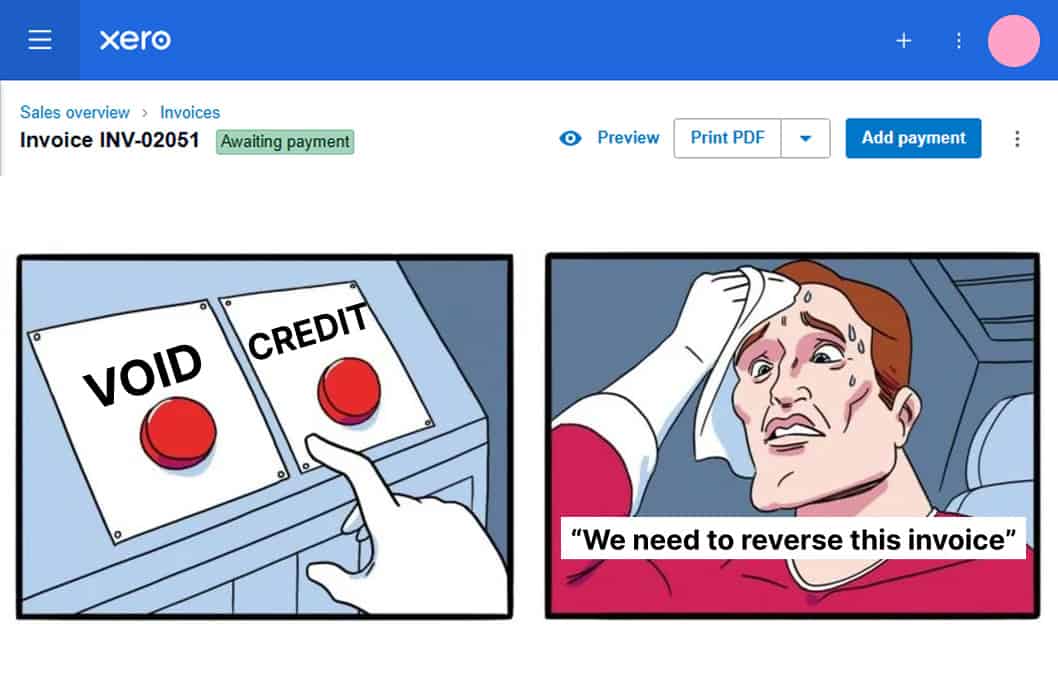
If you ever find yourself in a situation where an invoice needs reversing, most people will void it because Xero lets you do it in only two clicks. However, we recommend you use a credit note instead, and probably not for the reason you’re thinking.
Sequential Numbering Doesn’t Tell the Full Story
The argument you normally hear for credit notes is sequential numbering, which is a real reason, as voided invoices leave gaps that might raise questions, and anyone testing the sequence has to work out what caused the gaps.
The better reason is that a void makes the transaction and its story disappear. You sent the invoice for a reason, and there will also be a reason it needs to be reversed. Maybe an error, a dispute, a change of terms, a customer who cancelled. Whatever the reason is, it’s information about your business, and voiding deletes it.
A credit note, however, leaves the original invoice in place, with a matching, documented reversal.
Six months and potentially hundreds of new invoices later, the difference is you have a full record of what happened rather than confusing gaps.
When to Void a Xero Invoice
An invoice can and should be voided when it never should have existed in the first place. Examples are a duplicate raised twice, a draft approved by accident, and a test transaction in a new file.
Void an invoice when there is nothing to document because no commercial event actually took place.
If you aren’t 100% sure, you can try this simple test: Did something happen that a reader of these accounts would want to know about? If yes, credit note. If it was purely a data entry mistake, void it.
What Xero Can and Can’t Do at Volume
While bulk voiding used to be the constraint in Xero, that is no longer the case. You can now bulk void or delete invoices and bills from the list view, including approved ones.
There is one carve-out that tends to catch Xero users. Transactions that are not in your organisation’s base currency cannot be bulk voided or deleted, so cleaning up a foreign currency mess still means opening each invoice or bill and voiding it one at a time. If a transaction has been paid, it will also need its payment removed first.
When it comes to foreign currency files, be sure before you approve. That is the practical consequence of the carve out, and it is a good argument for approval discipline rather than approving in batches at the end of the week.
Two Habits That Make Either Choice Cleaner
The first habit to get into is putting the reason in the credit note description rather than leaving it as a mirror of the invoice. Reversed, agreed with the customer on a date, is worth ten times more than a blank line.
The same logic applies to bills. Reversing a supplier charge with a supplier credit note leaves the original bill and the reason visible, whereas deleting the bill leaves you with a payment you cannot explain and a supplier statement that no longer agrees with your ledger.
The second is to check the credit note is allocated against the right invoice, which means checking the contact name matches exactly. Xero matches on exact characters, so a slightly different version of the customer name means the credit will not suggest itself against the invoice, and you end up with both sitting open.
Xero Doesn’t Have to Be Confusing
We’ve worked with Xero every day for the past 12 years, so we’ve learnt a thing or two along the way. We’ve put together an extensive collection of resources to help you get more out of Xero and understand how to use it properly.
Here are a few articles you might find useful:
- Managing Fixed Assets in Xero
- How to check your Xero migration was done properly.
- Are you missing VAT on bank fees in Xero?
Working with Xero shouldn’t be a headache. Whether you’re considering migrating to Xero or looking for more strategic support our outsourced finance team can help.